The Prospetra blog
Website audits & cold email, without the fluff.
Checklists, teardowns, and field notes on getting more from your website and your outreach — each one written to be acted on today.
Latest guides
How to Tell If Your Website Needs a Fix or a Full Rebuild (5-Minute Test)
QHow do I know if my website needs a rebuild?
Ask three questions: Is the platform still alive and supported? Can it be made fast and mobile-friendly? Does it rank? If the platform is dead, can't be responsive, or costs more to maintain than rebuild, a rebuild ($3,000–$10,000+) is the right call.
Website Redesign vs Rebuild: How to Decide Which Your Site Needs
QShould I redesign or rebuild my website?
It depends on whether the problems are on the surface or in the bones. If the platform is alive and the issues are speed, mobile, or missing SEO tags, a redesign or fix ($500–$2,500) is the better deal. If the platform is dead, can't be made responsive, or costs more to maintain than rebuild, a rebuild ($3,000–$10,000+) is right.
How Much Does a Small Business Website Cost in 2026? (Real Prices)
QHow much does a small business website cost in 2026?
Anywhere from about $20 a month to $20,000+. DIY builders run $15–$60/month, a template site from a freelancer is $500–$3,000, a custom build $3,000–$10,000, and agencies $8,000–$25,000+. Ongoing hosting, maintenance, and content costs add up on top of the build.
The Cold Email Checklist: 23 Checks Before You Hit Send
QHow long should a cold email be?
Under 150 words. If it's longer, cut the sentence that defends the product instead of helping the reader — one idea, scannable paragraphs, and a single low-friction ask.
Cold Email Subject Lines That Get Opened: 31 Examples
QWhat are good cold email subject lines?
The six patterns that consistently earn opens: the specific reference, the honest problem, the low-pressure question, the data point, the pattern interrupt, and the short curiosity gap — each adapted to the prospect rather than copied.
Free Website Audit Checklist: 47 Checks to Run on Any Site
QWhat is a website audit?
A website audit is a systematic review of how well a site is set up to perform — usually covering SEO, speed, accessibility, security, and content. The 47 checks in this guide span all five areas and end with a prioritized list of what to fix first.
Cold Email Deliverability: How to Land in the Inbox, Not Spam
QWhy are my cold emails going to spam?
Usually missing authentication (SPF, DKIM, DMARC), a sudden spike in volume, stale addresses causing bounces, or spam-trigger content like image-only emails and fake 'Re:' subjects. Every inbox provider scores senders on authentication, reputation, and engagement.
How to Run an SEO Audit in 30 Minutes: Step-by-Step Guide
QWhat is an SEO audit?
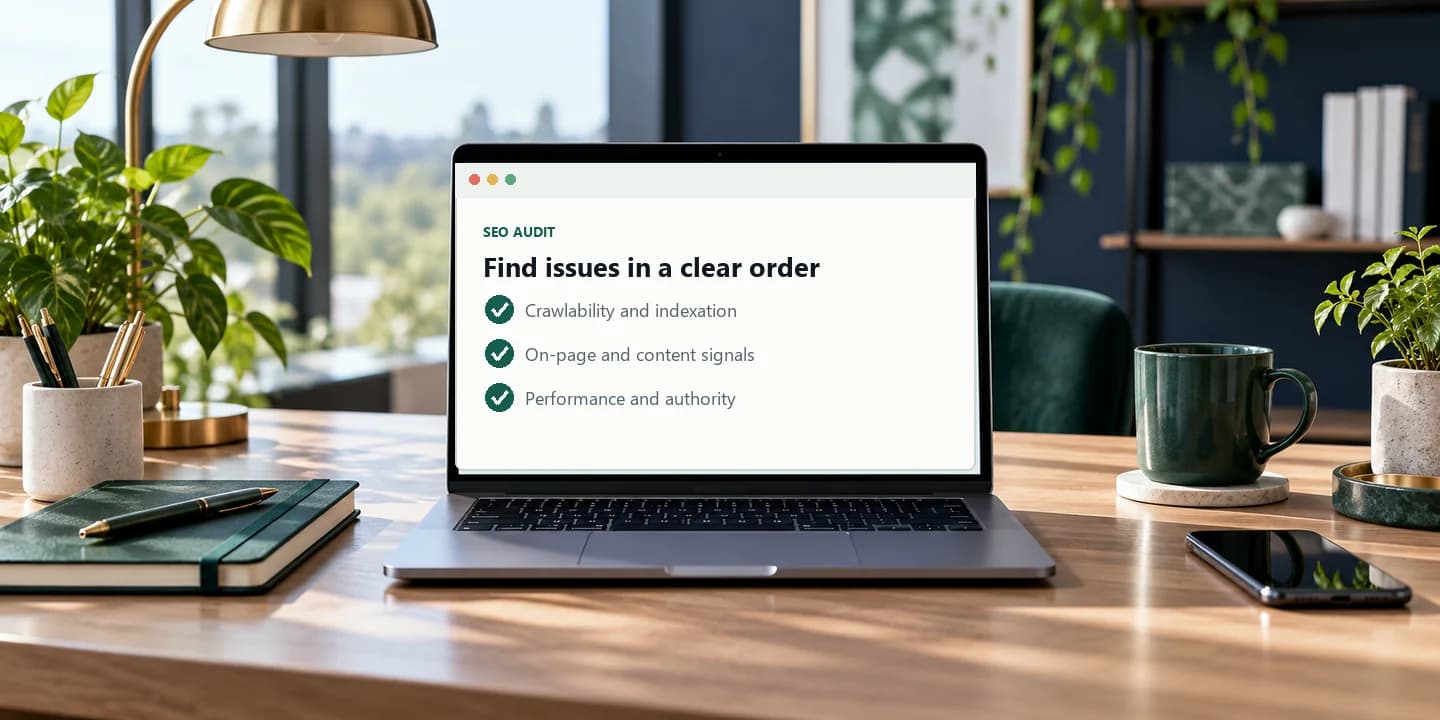
An SEO audit checks whether search engines can crawl, understand, and rank your site — crawlability and indexation first, then on-page SEO on your money pages, then technical signals like Core Web Vitals and redirects.
Cold Email Personalization: 11 Ways to Stand Out Without Being Creepy
QWhat is cold email personalization?
Proving you know something specific and current about the prospect — a launch, a hire, a funding round — and connecting it to why you wrote. The sweet spot sits between the first-name token everyone ignores and research so deep it creeps people out.
Core Web Vitals Explained: What Your Speed Score Means (and How to Fix It)
QWhat are Core Web Vitals?
Three measurements Google uses to score page experience: LCP (how fast the main content appears), INP (how quickly the page responds to clicks), and CLS (how much the layout jumps around). Good targets are under 2.5s, under 200ms, and under 0.1.
Cold Email Tracking: How to Turn Replies Into a Sales Pipeline
QWhat should you track in cold email?
Replies, meetings booked, and bounces. Use open rate only to judge subject lines, and skip 'unsubscribe clicks' and read receipts — they add noise, not signal.
Website Accessibility Audit: The WCAG Checklist Your Site Should Pass
QWhat is a website accessibility audit?
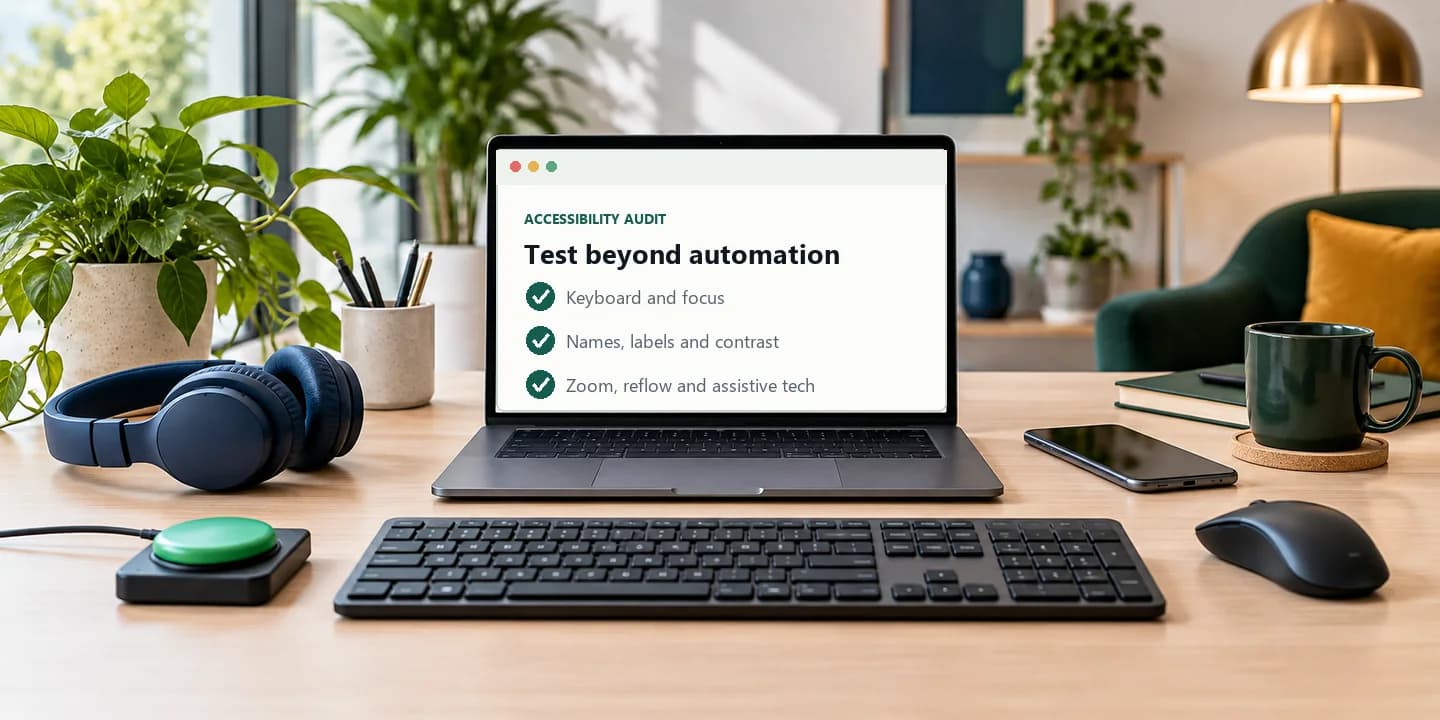
A review of whether everyone — keyboard users, screen reader users, low-vision visitors — can use your site, organized under WCAG's four principles: perceivable, operable, understandable, and robust. It splits into automated checks (contrast, alt text, labels) and manual ones (a keyboard walkthrough, a screen reader pass).
Website Health Score: How to Measure It and Raise It
QWhat is a website health score?
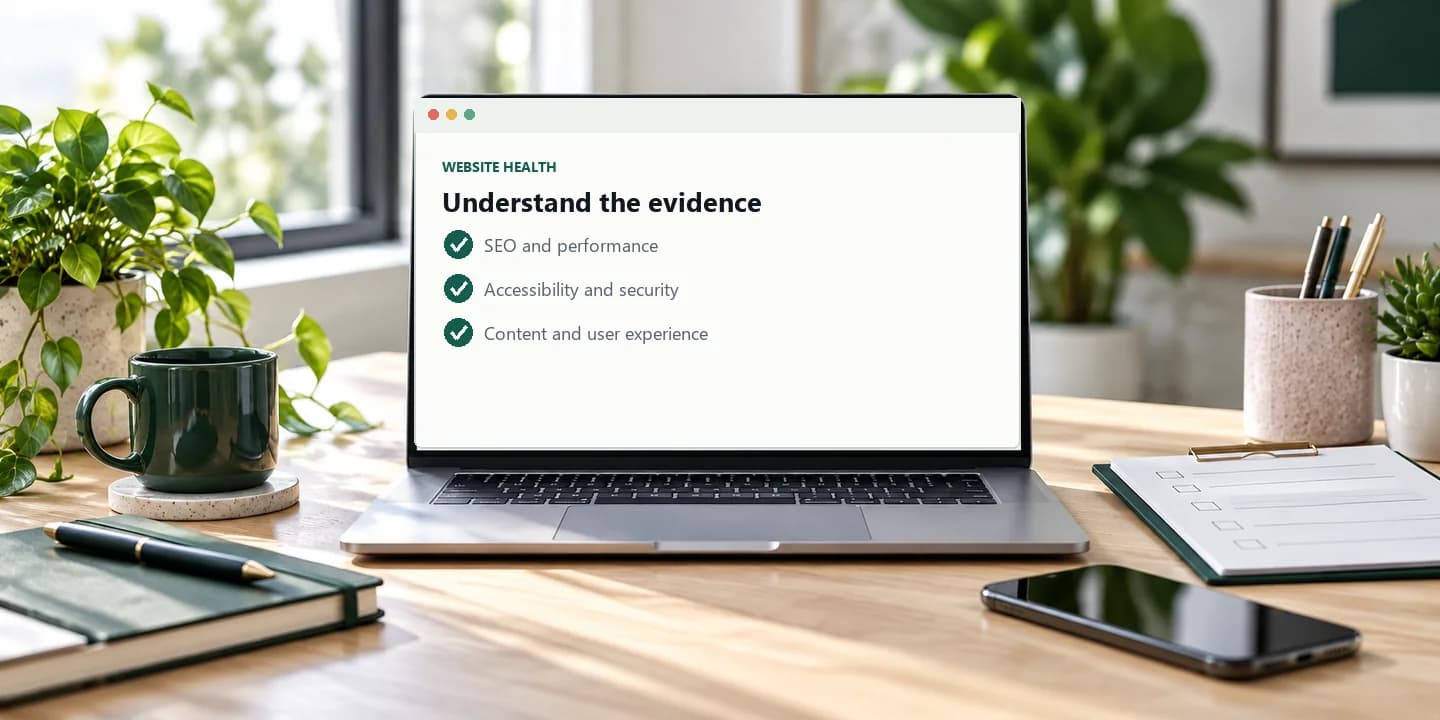
A single 0–100 number summarizing how well a site is set up to attract, convert, and retain visitors, built from five pillars: performance, SEO, accessibility, security, and content & UX. The breakdown matters more than the total.
Put it into practice
See what your own website is missing.
Every guide on this page is easier with a baseline. Paste your URL and get a free scored audit of SEO, performance, accessibility, security, and content — in about 30 seconds.
- Free scored audit in about 30 seconds — no signup required for the preview
- Full report with fix recommendations on a free account
- Turn any audit into a personalized outreach email
No signup required · Takes about 30 seconds · Your URL is only used to run the audit